


For a while I thought splash screens were a crime. You tap an app, it makes you watch its logo, and only then lets you in. Most of them earn the reputation.
Then I built three small offline iPhone apps in a row, Pocket, Tape and Lensir, and gave every one of them a splash. Not by accident. A good opening is the cheapest way to make a small app feel like somebody cared about it. This post covers why I came round, the rules I hold them to, and how I tune them.
Three apps, three openings
Each splash acts out what the app does, using nothing but the app's own mark.
Pocket converts currencies. Five coins drop into the pocket: four well-known currencies, then your home currency last. Each landing squashes the pocket, then it dives forward into the app. About 1.9 seconds.
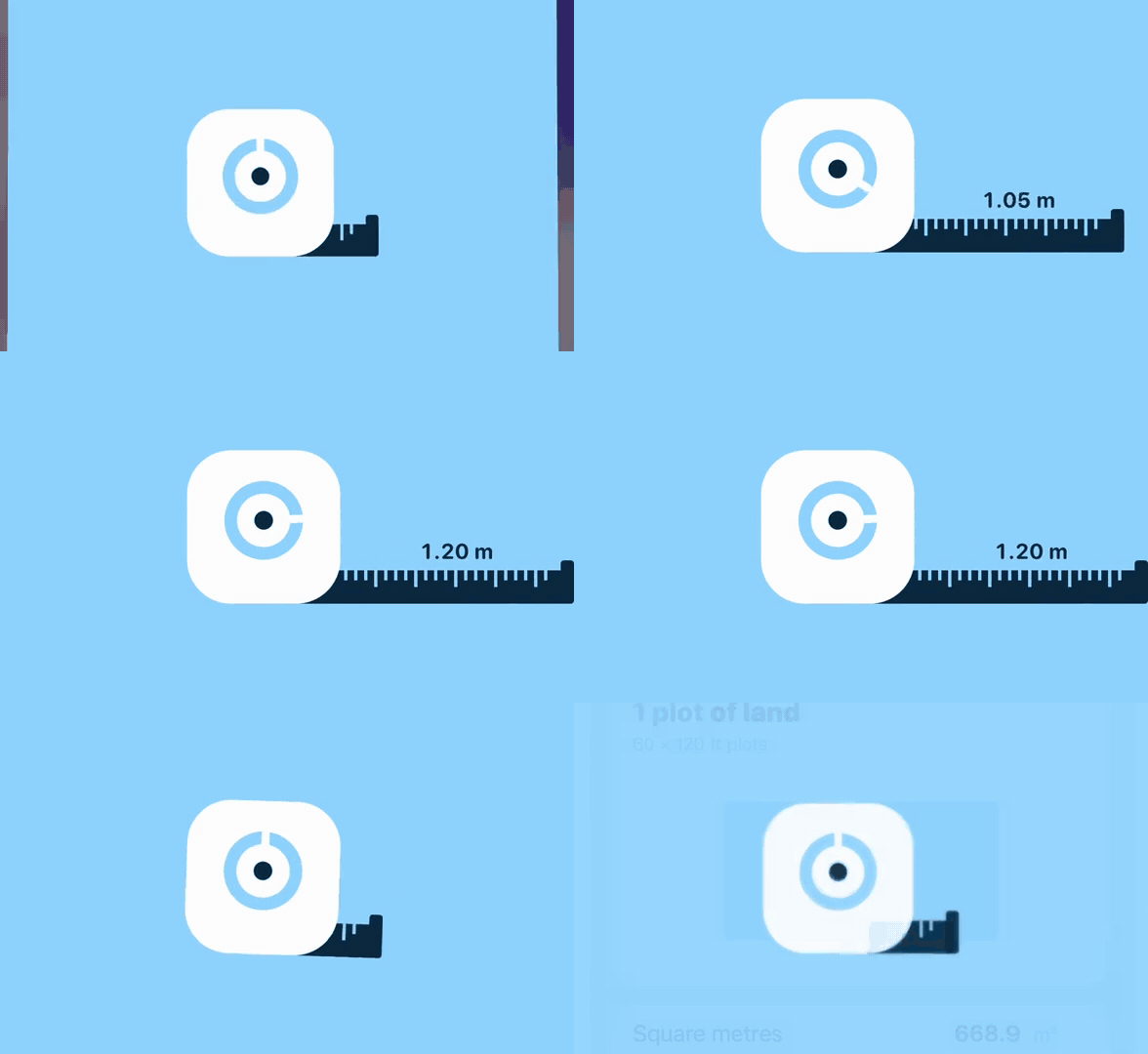
Tape converts units. The blade pulls out to the edge of the screen while a counter runs from 0 to 1.2 m, holds for a beat, then whips back in. The hook bounces and the case kicks 7 degrees. About 1.7 seconds.
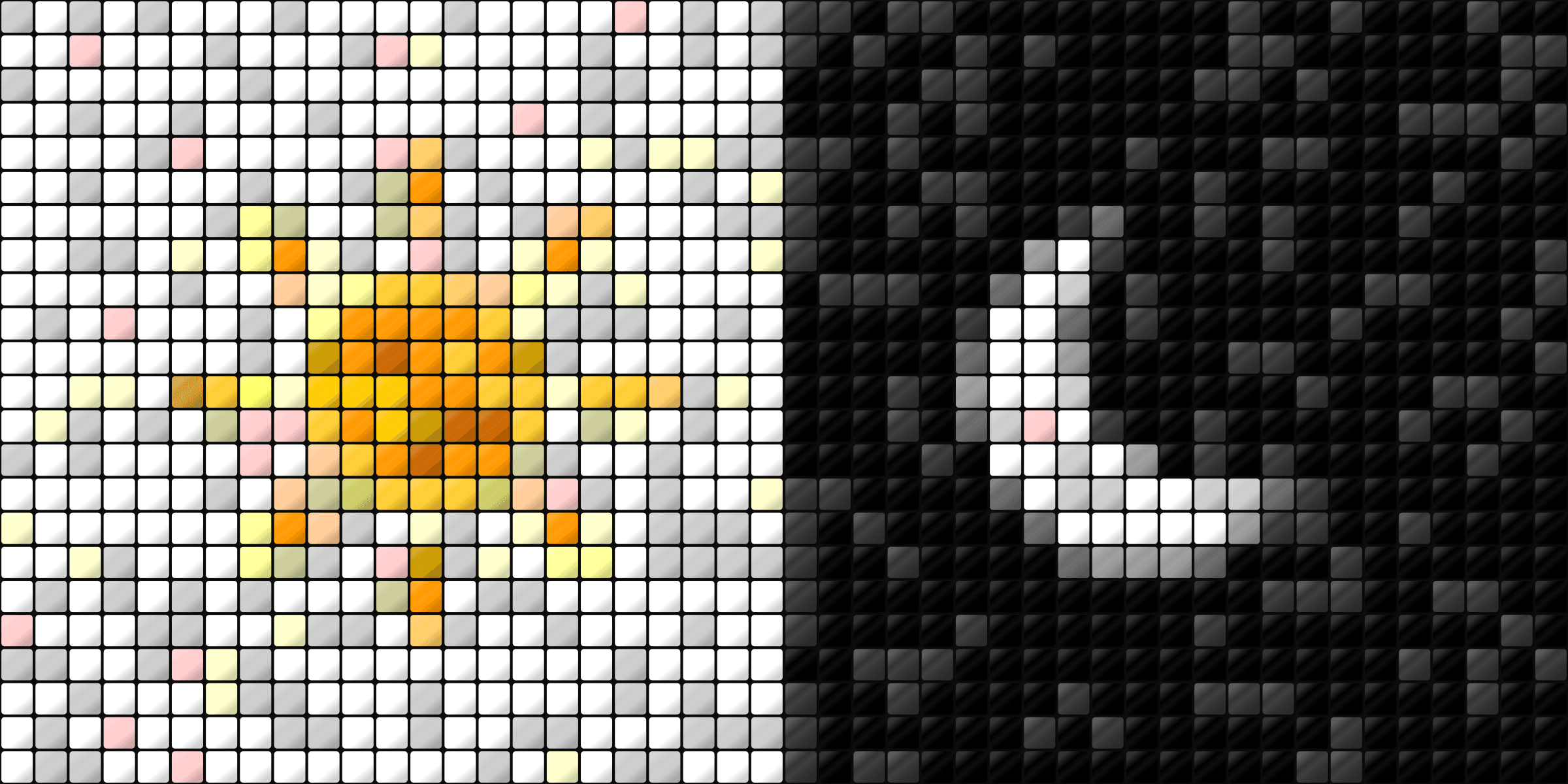
Lensir scans QR codes. Camera brackets hunt, lock tight on the dot, then grow into the scanner's own viewfinder. Under a second.
None of them needed new artwork. The animation is the logo doing its job.
The rules I hold them to
Short. Two seconds is my ceiling. Lensir is the shortest because it's a tool you reach for in a hurry. Open it from Control Center, the Action Button, the Lock Screen or Siri and the hunt and lock disappear. You get half a second of the brackets growing, which covers the camera starting up behind it anyway.
No jump from the launch screen. iOS shows a static launch image before your code runs. Mine is the mark on its colour, and the splash starts from that exact image at that exact size. The size is a constant in code with a comment saying the SVG must match it. Lensir's end matters as much as its start: the brackets finish exactly on the scanner's frame, at its 4 point stroke, so the splash becomes the screen instead of fading into it.
One haptic per real impact. Pocket taps lightly on each coin and gives the home coin a fuller, softer thump. Tape gives one rigid hit when the blade slams home. Lensir gives one light tap at the lock. They fire from the same clock as the animation, so they never drift, and they all switch off with the app's Haptics setting.
Reduce Motion gets a still version. The mark holds, then cross-fades. Nothing moves.
Only on a cold launch. Switching back to an app you already opened skips it.
How I tune them
I don't animate these with springs I can't see inside. Every movement is a plain function of time, and each phase is a number I can test and argue with. This is Tape's whole timeline:
struct Timeline {
    var pull = 0.55    // the blade pulling out
    var hold = 0.22    // the hook holds at the screen edge
    var snap = 0.16    // the blade whipping back in
    var settle = 0.3   // the hook's bounce and the case's kick
    var dive = 0.45    // into the app
}
Because it's just numbers, the same timeline can be stretched. A script builds the app, records the splash in the Simulator at normal speed and at four times slower, and drops both videos in my Movies folder. Most problems only show up slowed down. Tape's ruler ticks shimmered between pixels as the blade moved, so now the blade moves in whole device pixels and the ticks stay sharp.
Then it goes on my phone, because haptics don't exist in the Simulator, and the feel is the whole point.
Where it leaves me
A splash is fine when it's short, starts exactly where the launch screen ends, and acts out what the app is for. All three apps are open source if you want to watch the splashes or read the timelines. And if your app could use an opening that feels like this, that's the kind of detail I like working on.

An offline currency converter for iPhone, with Home Screen and Lock Screen widgets. It ships with a day of rates built in, so it converts between 155 currencies in airplane mode from the first launch. Built in SwiftUI and installed from GitHub with Xcode.

Tape
An offline unit converter for iPhone. Type one number and see it in every unit of its category at once, with a drawing that pictures the amount and widgets for the Lock Screen and Home Screen.

Lensir
An offline QR scanner for iPhone. It checks a link for lookalike letters, link shorteners, plain http and bare IP addresses before anything opens, and it makes codes for Wi-Fi, links, phone numbers and contacts. It isn't on the App Store; you build it from the GitHub repo in Xcode.