Lensir
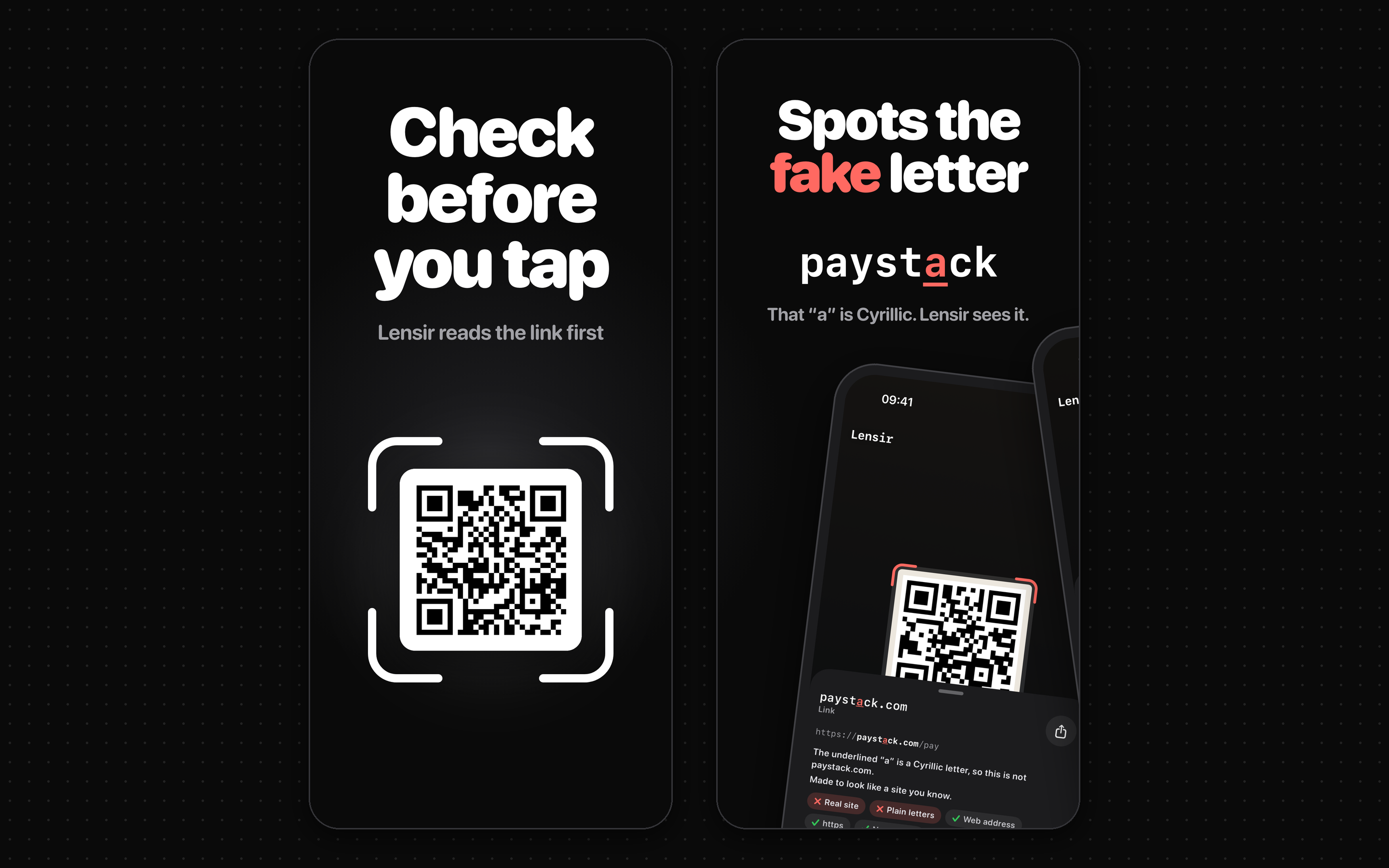
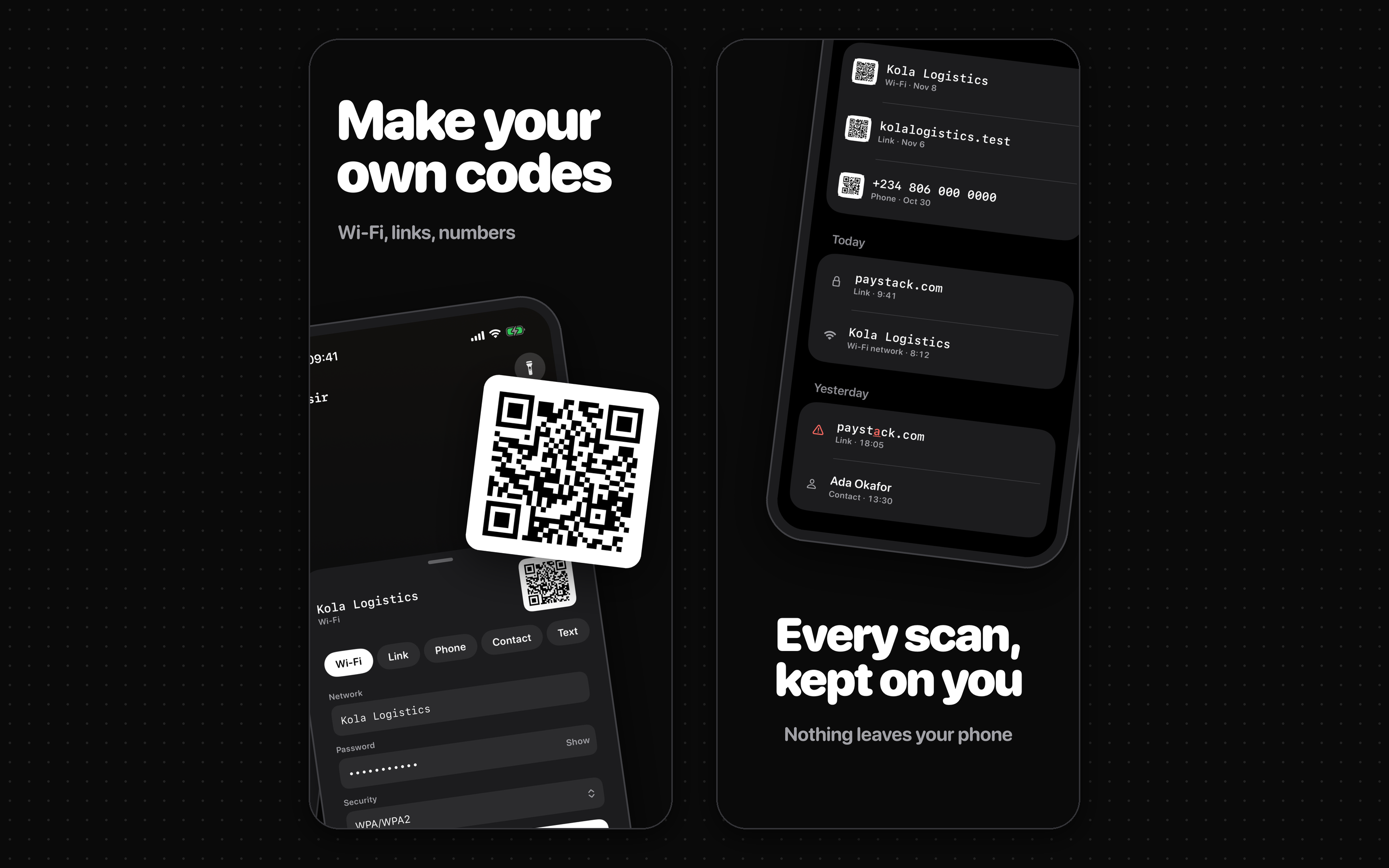
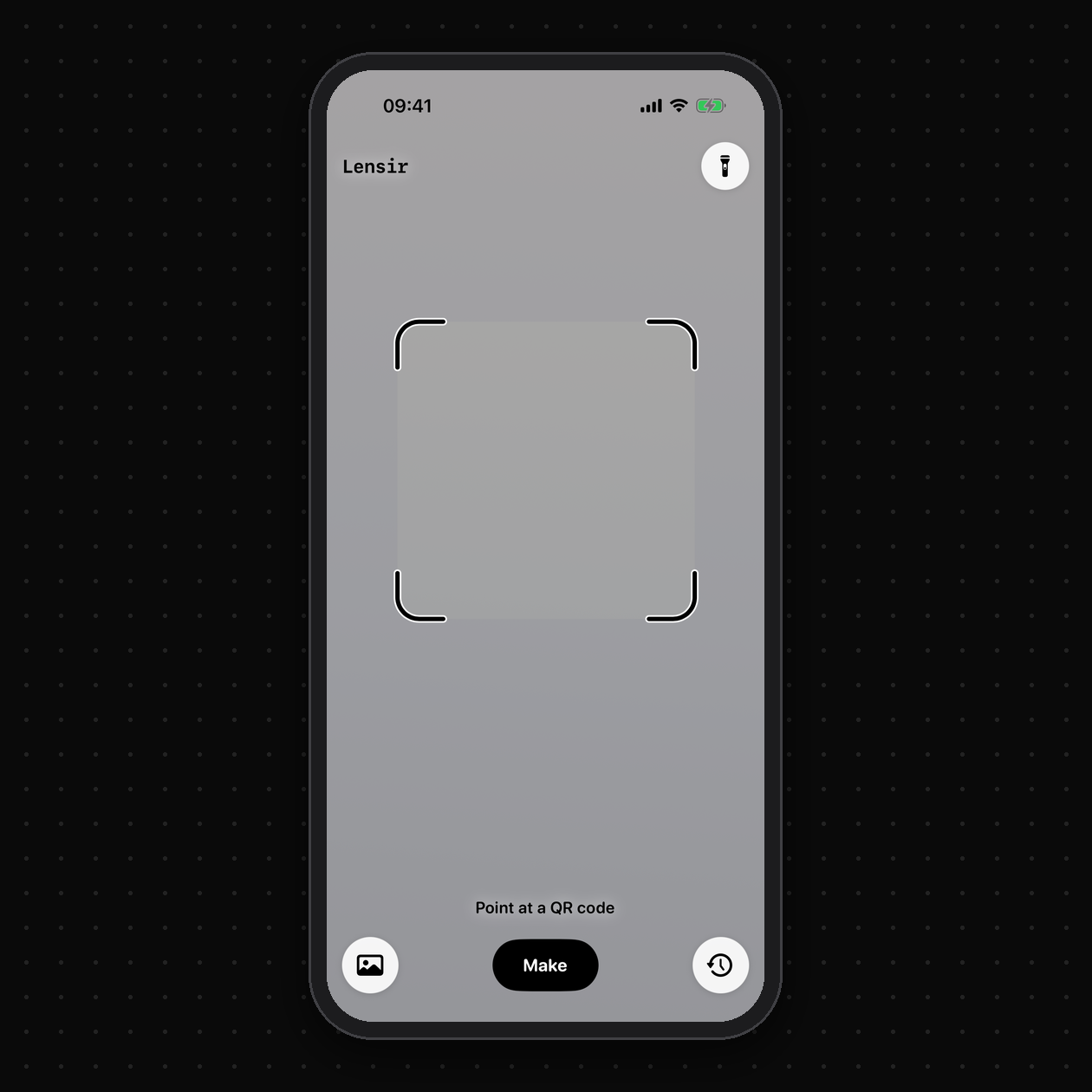
An offline QR scanner for iPhone. It checks a link for lookalike letters, link shorteners, plain http and bare IP addresses before anything opens, and it makes codes for Wi-Fi, links, phone numbers and contacts. It isn't on the App Store; you build it from the GitHub repo in Xcode.
iOS Development
2 Weeks

Introduction
An offline QR scanner for iPhone. It checks a link for lookalike letters, link shorteners, plain http and bare IP addresses before anything opens, and it makes codes for Wi-Fi, links, phone numbers and contacts. It isn't on the App Store; you build it from the GitHub repo in Xcode.
Work Done
iOS App
Challenges
Judging a link with no network to look anything up, then saying what is wrong in one sentence someone reads before they tap. Separately, turning the torch on froze the camera on an iPhone 12 Pro until it went off again.
Solutions
Every check runs on the phone in LinkSafety. Each name is folded to a skeleton of plain Latin letters and compared with 40 bundled brands, and the swapped letter is underlined in red. Links only open when you press Open. The torch now switches on the camera VisionKit's session is running, and turns itself off if iOS still interrupts the scanner.
Results
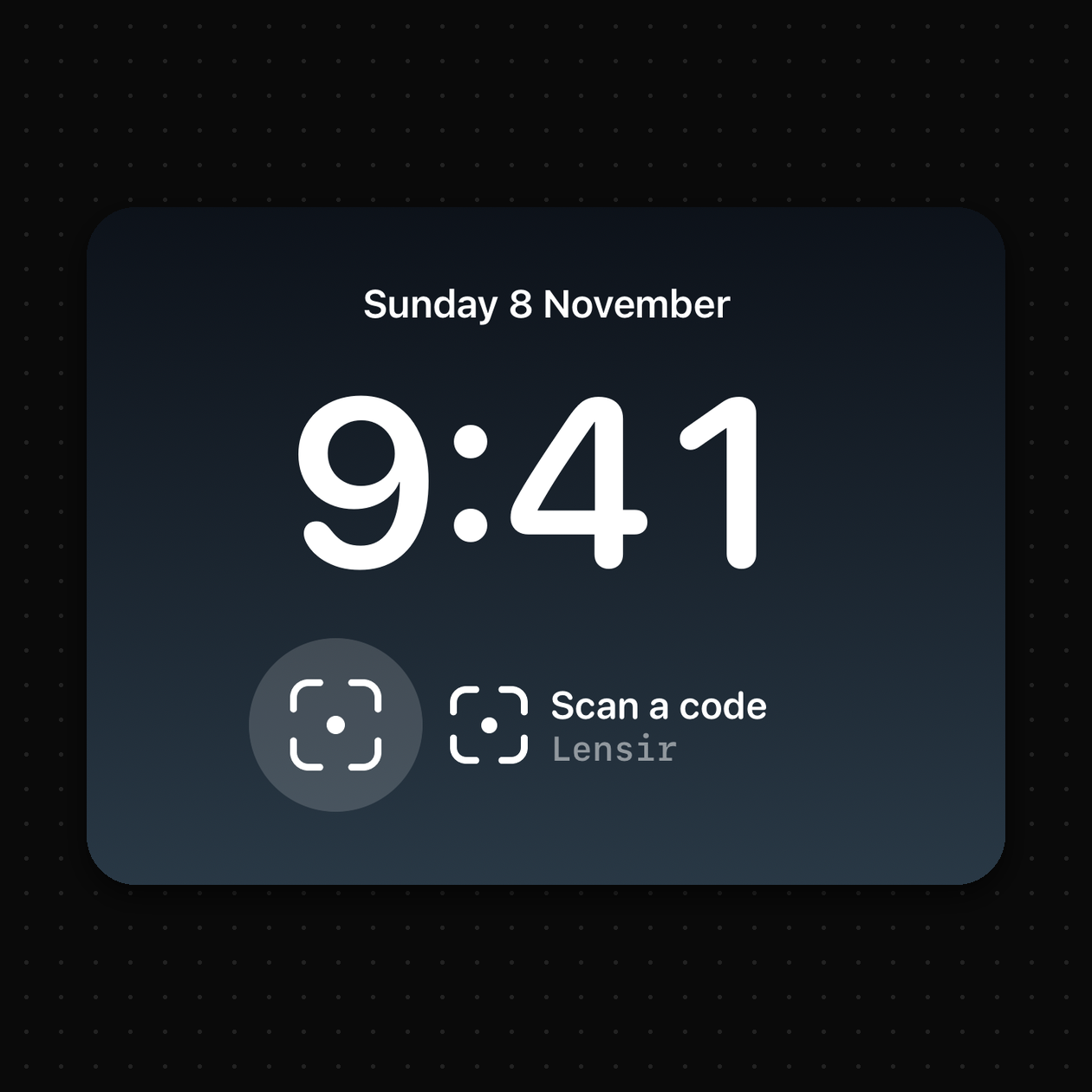
Version 1.0, open source on GitHub under MIT, with 271 Swift Testing tests and 20 XCTest UI tests. It has no networking code and no packages. A Control Center control, a Lock Screen widget and Siri all open it straight on the scanner.
Details
Why it doesn't open links
Plenty of QR scanners open a link as soon as they read it, which is what a sticker over a parking meter's real code is counting on. Lensir shows the whole address in a drawer and waits for you to press Open. The app has no networking code, so every check runs on the phone.
Lookalike letters
A fake site often swaps one letter: a Cyrillic а in paystack.com, a 1 for the l in paypal. `LinkSafety` decodes `xn--` addresses first, then folds each name to a skeleton (0 to o, rn to m) and compares it with 40 bundled brands, Nigerian banks and fintechs first. The drawer underlines the swapped letter in red and names its alphabet.
The torch that froze the camera
With the torch on, the picture froze. I was switching it through `AVCaptureDevice.default(for: .video)`, while VisionKit's session runs a virtual camera. iOS treated that as another app taking the camera and interrupted the session with `videoDeviceInUseByAnotherClient`. On my iPhone 12 Pro only the triple camera worked, so the torch now goes on the camera the session runs.
A drawer you can throw
The result drawer is pure functions of position and release speed in `DrawerLogic`, modelled on Vaul. It follows the finger 1:1, then a spring takes over at the speed you threw it. Swift Testing covers the spring and the snap points. XCTest UI tests drag it with real touches.

Tope Akintola
November 8, 2026
iOS Development
Let's Work
Together

Have a project in mind? We'd love to hear about it. Let's create something great together!