

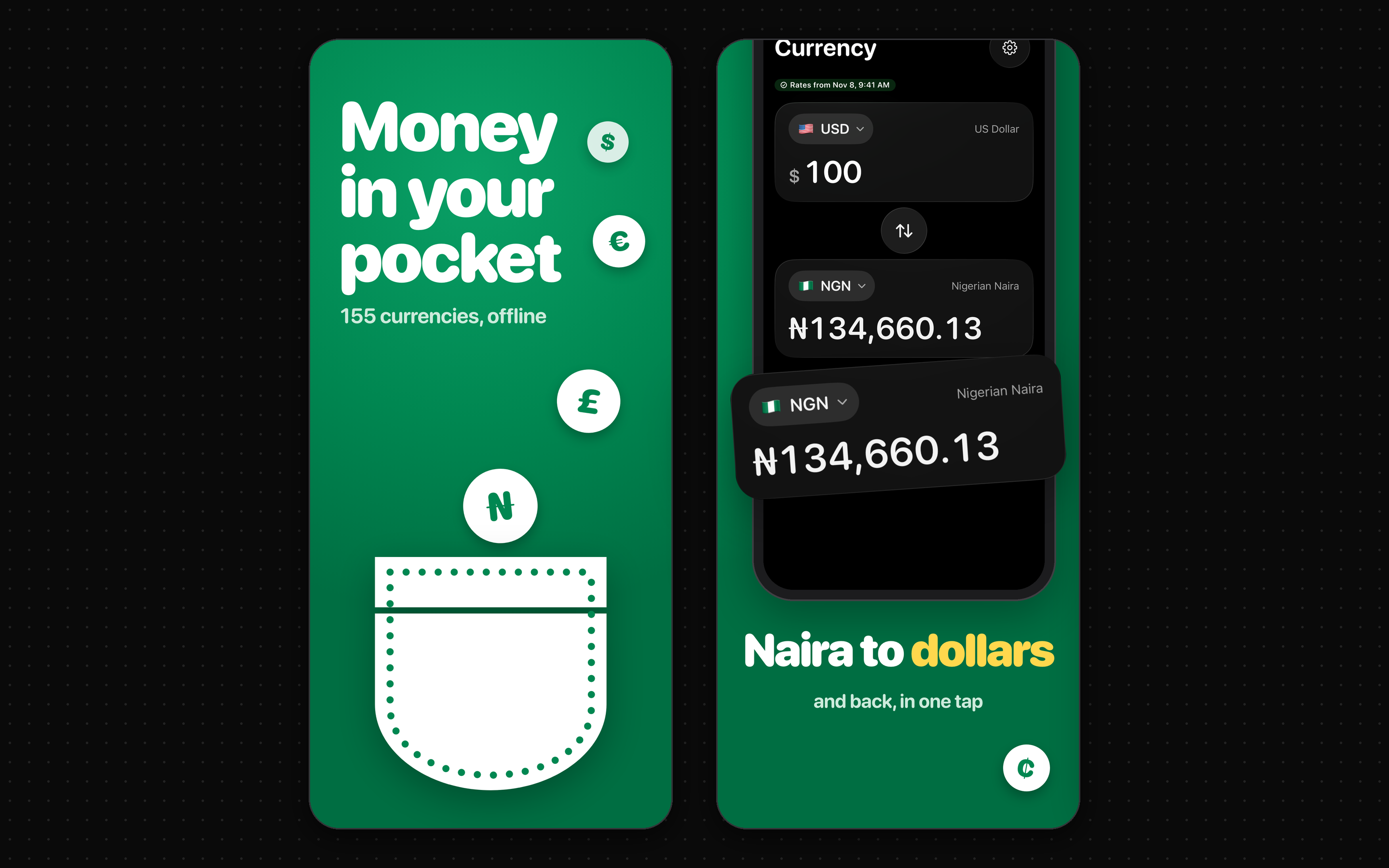
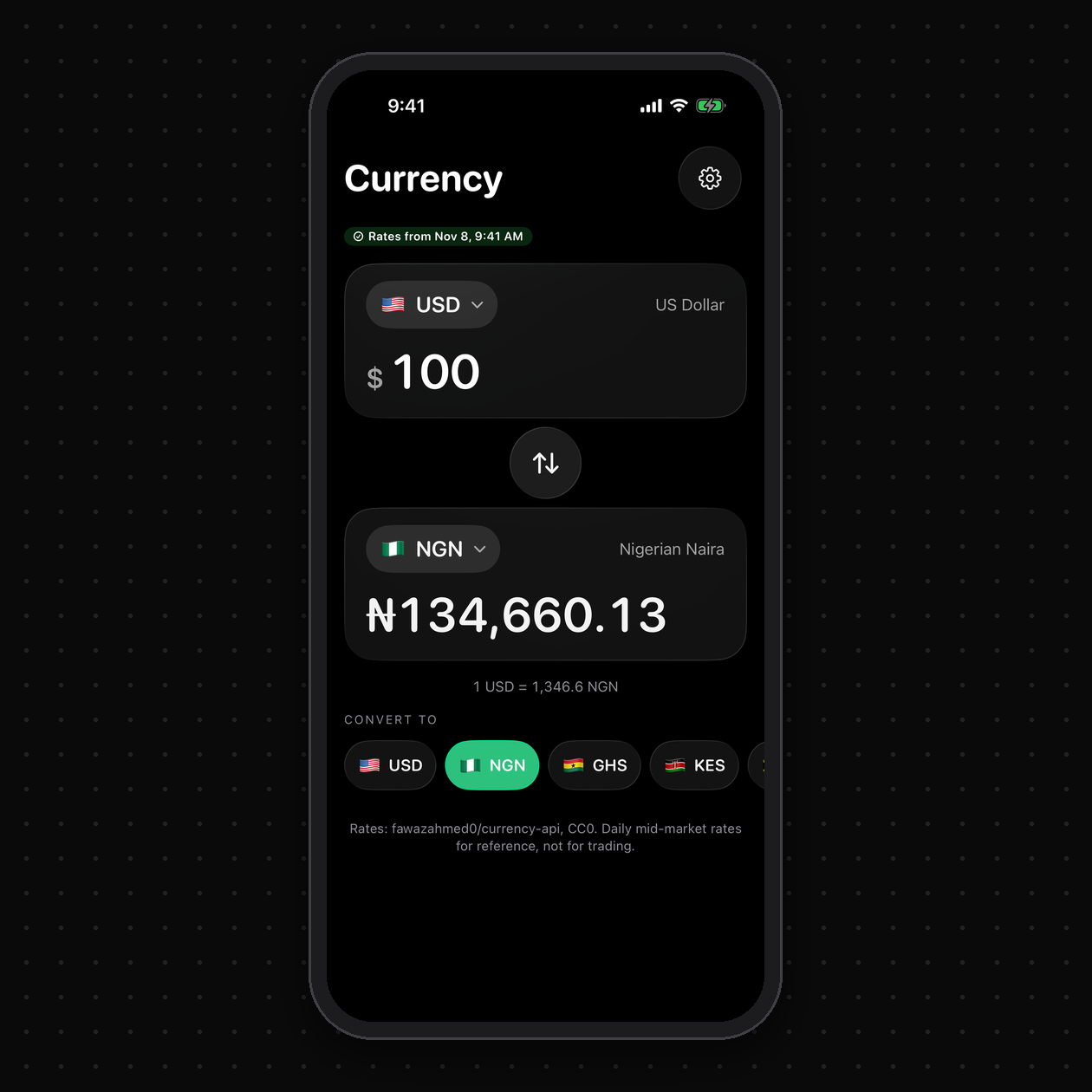
An offline currency converter for iPhone, with Home Screen and Lock Screen widgets. It ships with a day of rates built in, so it converts between 155 currencies in airplane mode from the first launch. Built in SwiftUI and installed from GitHub with Xcode.
iOS Development
2 Weeks

Introduction
An offline currency converter for iPhone, with Home Screen and Lock Screen widgets. It ships with a day of rates built in, so it converts between 155 currencies in airplane mode from the first launch. Built in SwiftUI and installed from GitHub with Xcode.
Work Done
iOS App & Widgets
Challenges
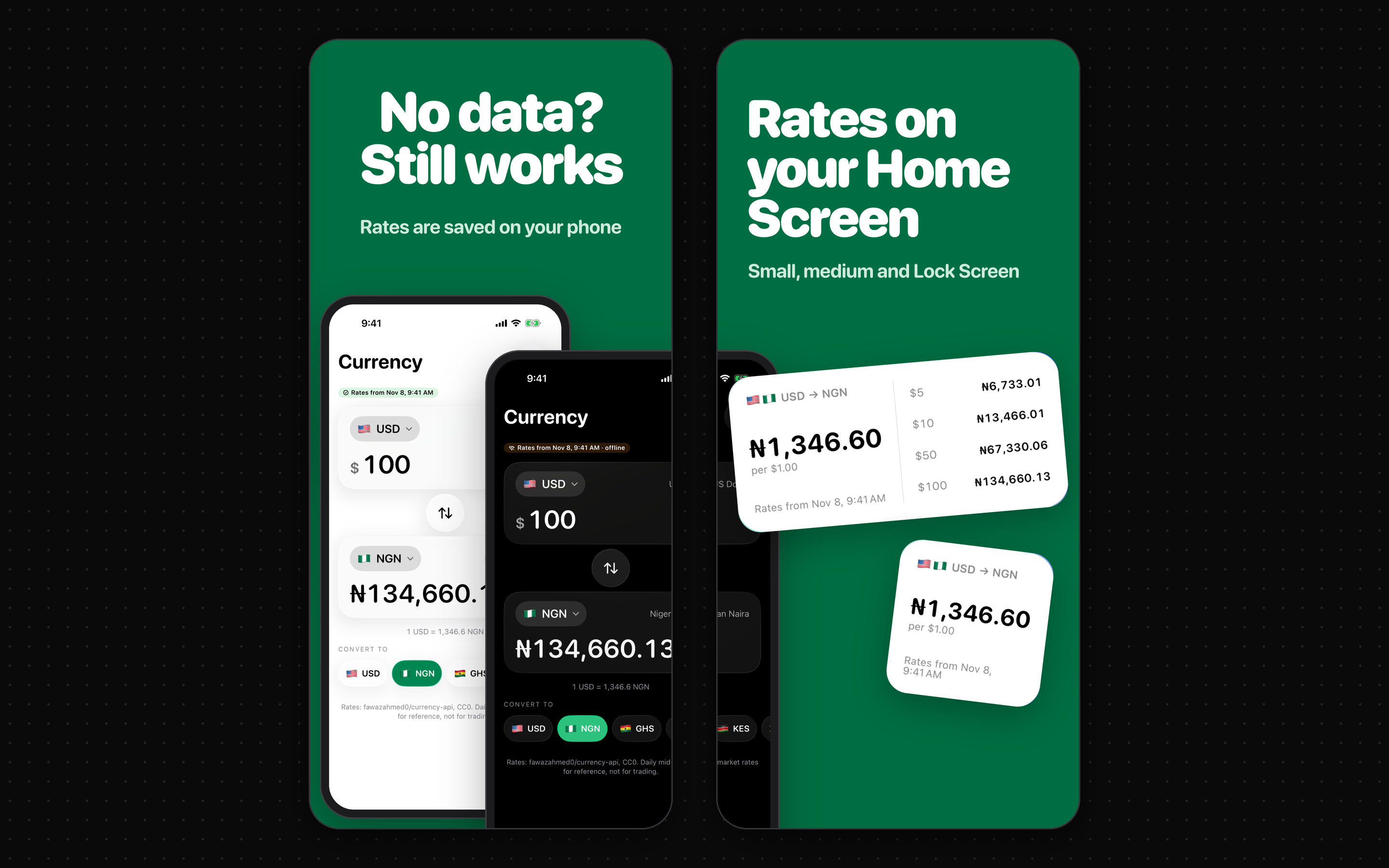
Giving a correct conversion with no network on the very first launch, and being honest about how old the rates are, in the app and in its widgets.
Solutions
A CC0 rates snapshot bundled in the app, and every download written atomically to an App Group file the widgets also read, with the newer of the two winning on launch. NWPathMonitor and the download time set the label: rates only read as current when the phone is online and they are under 24 hours old.
Results
Public on GitHub under MIT and built from source in Xcode, not shipped through the App Store. 67 Swift Testing tests cover conversion, the rates cache and the splash timings, and the app runs on iOS 26.1 and later.
Details
Why I built it
I grew up without mobile data. The phone apps I loved were the ones that kept working anyway, like the calculator and the torch. Pocket is a currency converter in that spirit: 155 currencies, and a usable answer in airplane mode on first launch.
Rates that ship inside the app
The app bundles a snapshot of daily rates from fawazahmed0's currency API. That data is CC0, so it can live in a public repo. ExchangeRate-API's terms allow caching but forbid redistribution, which ruled it out. Each download is written atomically to the App Group container, and on launch the app keeps whichever is newer by publish date, the cache or the bundled file. A month-old cache never wins over a fresh build.
Saying how old the rates are
The age of the rates is always on screen: "Rates from 5 Nov, 09:14 · offline". NWPathMonitor reports connectivity, and rates only count as current when the phone is online and they were downloaded in the last 24 hours. If a download fails, the app keeps what it has. The widgets read the same cached file.
An opening animation with tests
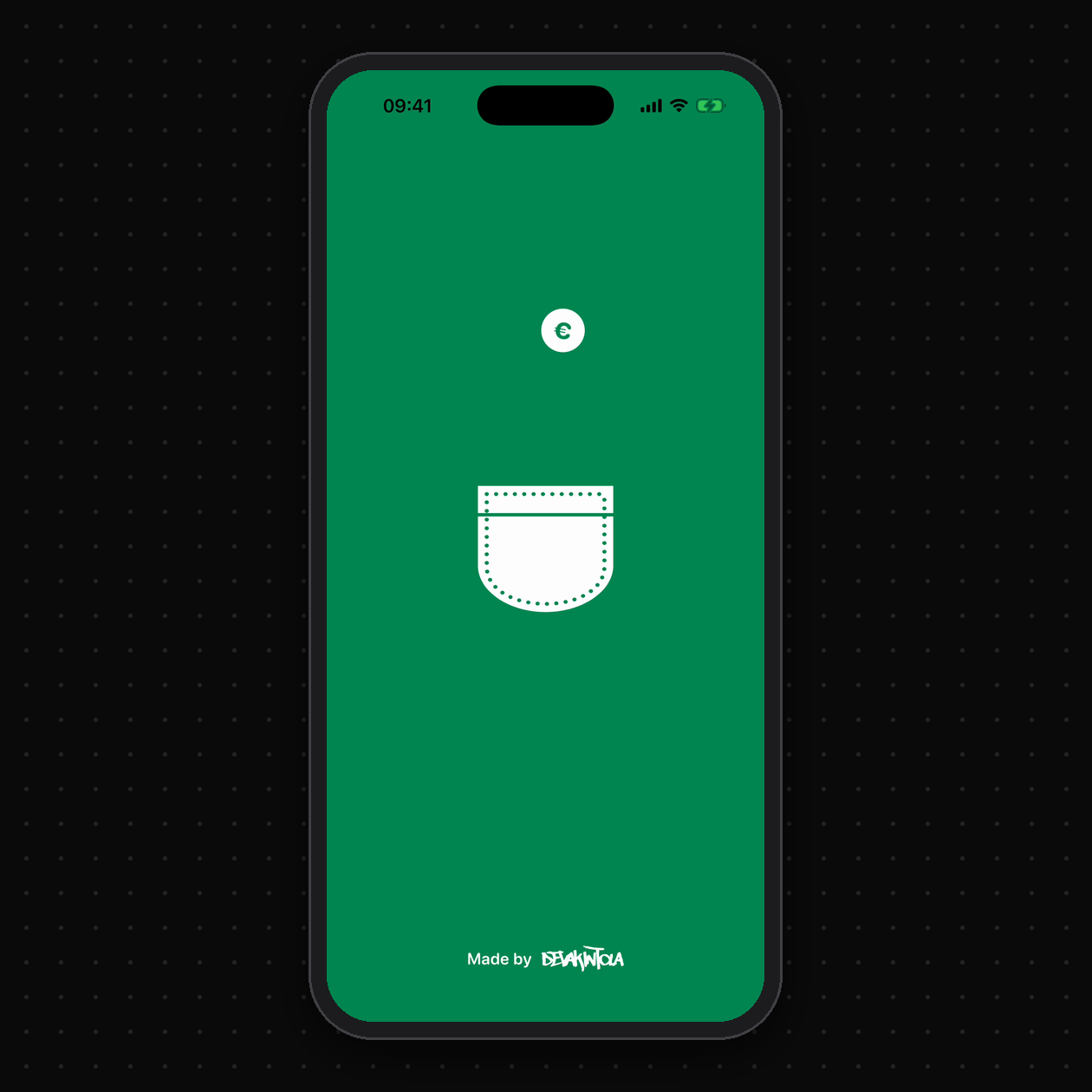
Five coins drop into the pocket, your home currency last with a bigger squash, then the view dives through into the converter. Every position is a pure function of elapsed time in `SplashLogic`, so I could unit test the timings instead of eyeballing them. Reduce Motion gets a still pocket and a fade.

Tope Akintola
November 8, 2026
iOS Development
Let's Work
Together

Have a project in mind? We'd love to hear about it. Let's create something great together!